


Function:
1.Function Optimization
Quotation system has been updated, which supports obtaining SAM quote / account fund information; SAM trading account transactions are not available
2.New Features
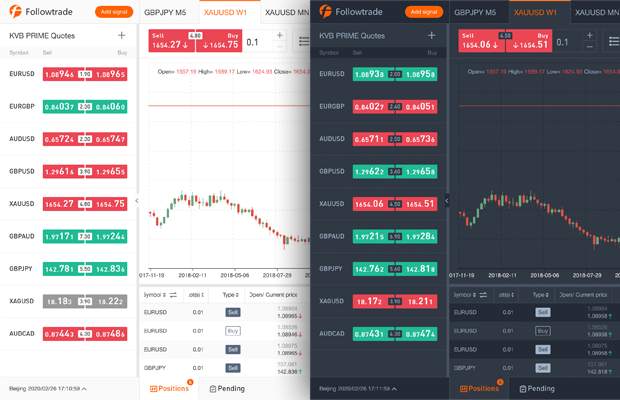
Theme skin: grey, dark
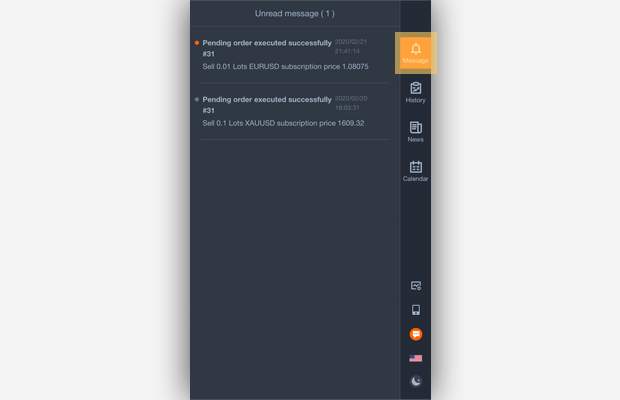
Messages received: when pending order is triggered successfully/failed, when net value protection is triggered, push important information
3. Function Adjustment
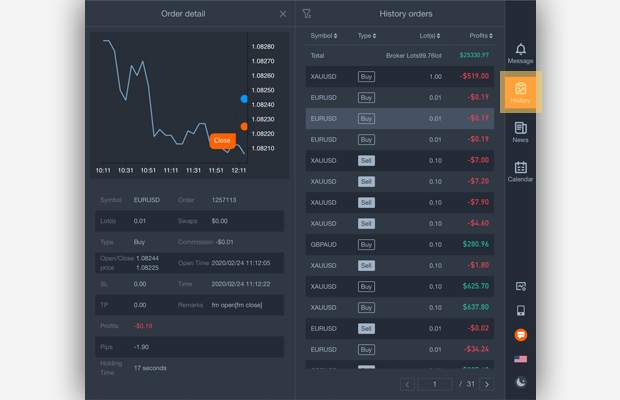
History orders has been moved to the right navigation
Interactive Operation:
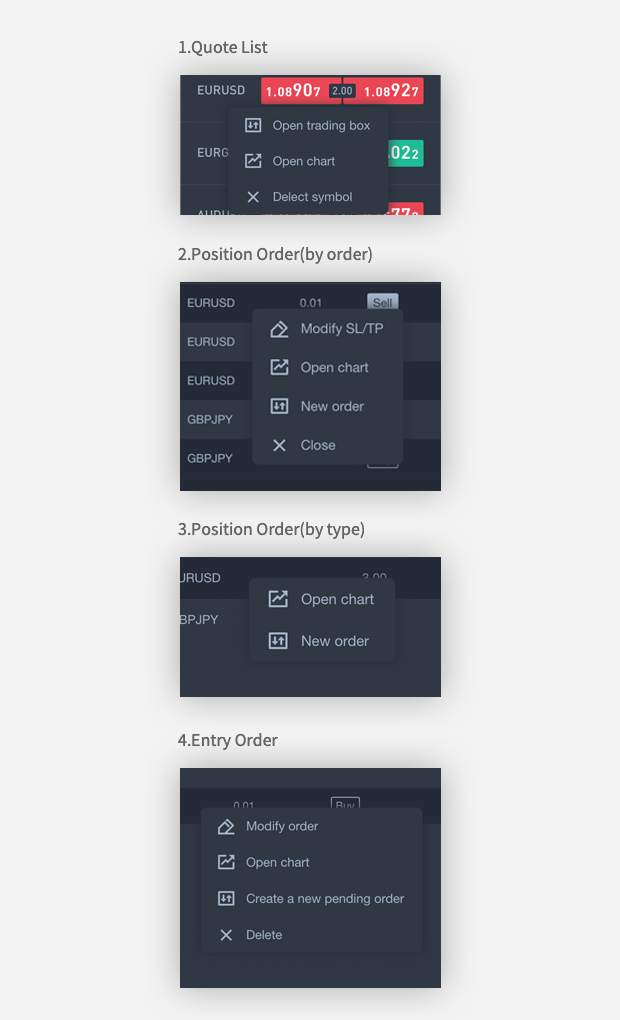
1.Right-click Operation
Quote List: Open trading box, Open chart, Delete symbol
Position order (by order): Modify SL / TP, Open chart, New order, Close.
Position Orders (by type): Open chart, New order.
Entry orders: Modify orders, Open charts, Create a new pending order, Delete.
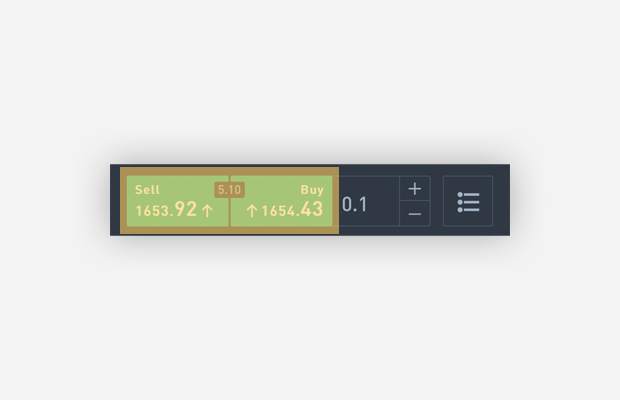
2. Quick Order--To use this function, please go to “Settings” and turn on "Quick Order"
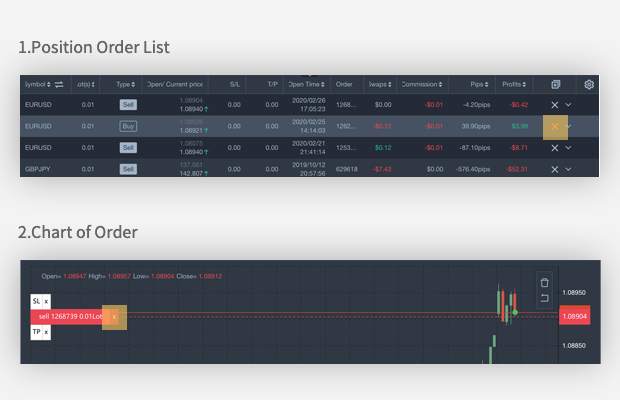
3. Quick close- To use this function, please go to Settings and turn on " Quick close"
Position Order List "X"
Chart of Order "X"
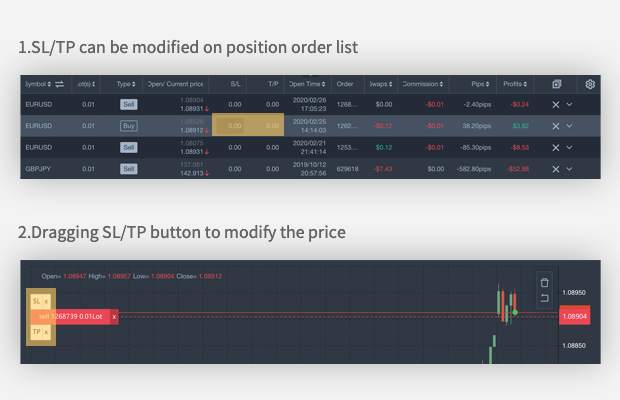
4.Quickly modify SL / TP
SL/TP can be modified on position order list
Dragging SL/TP button to modify the price
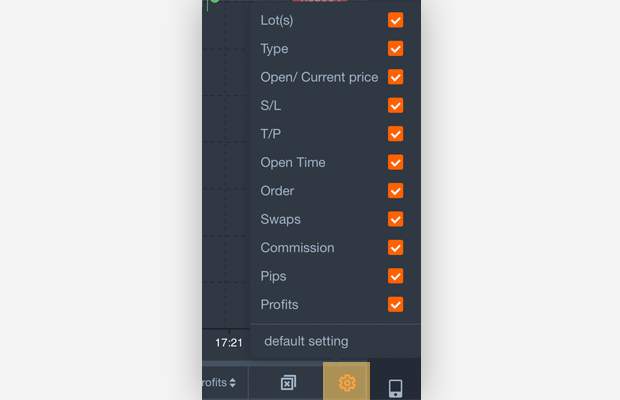
5.Custom parameters setting
The position & pending order list parameters can be clicked to show / hide
#followmeguidence#
免責事項:本記事で述べられている見解は著者の見解のみであり、Followmeの公式見解を反映するものではありません。Followmeは、提供された情報の正確性、完全性、信頼性について一切責任を負いません。また、書面で明示的に記載されている場合を除き、本記事の内容に基づいて行われたいかなる行動についても責任を負いません。

古いコメントはありません。ソファをつかむ最初のものになりましょう。