


-
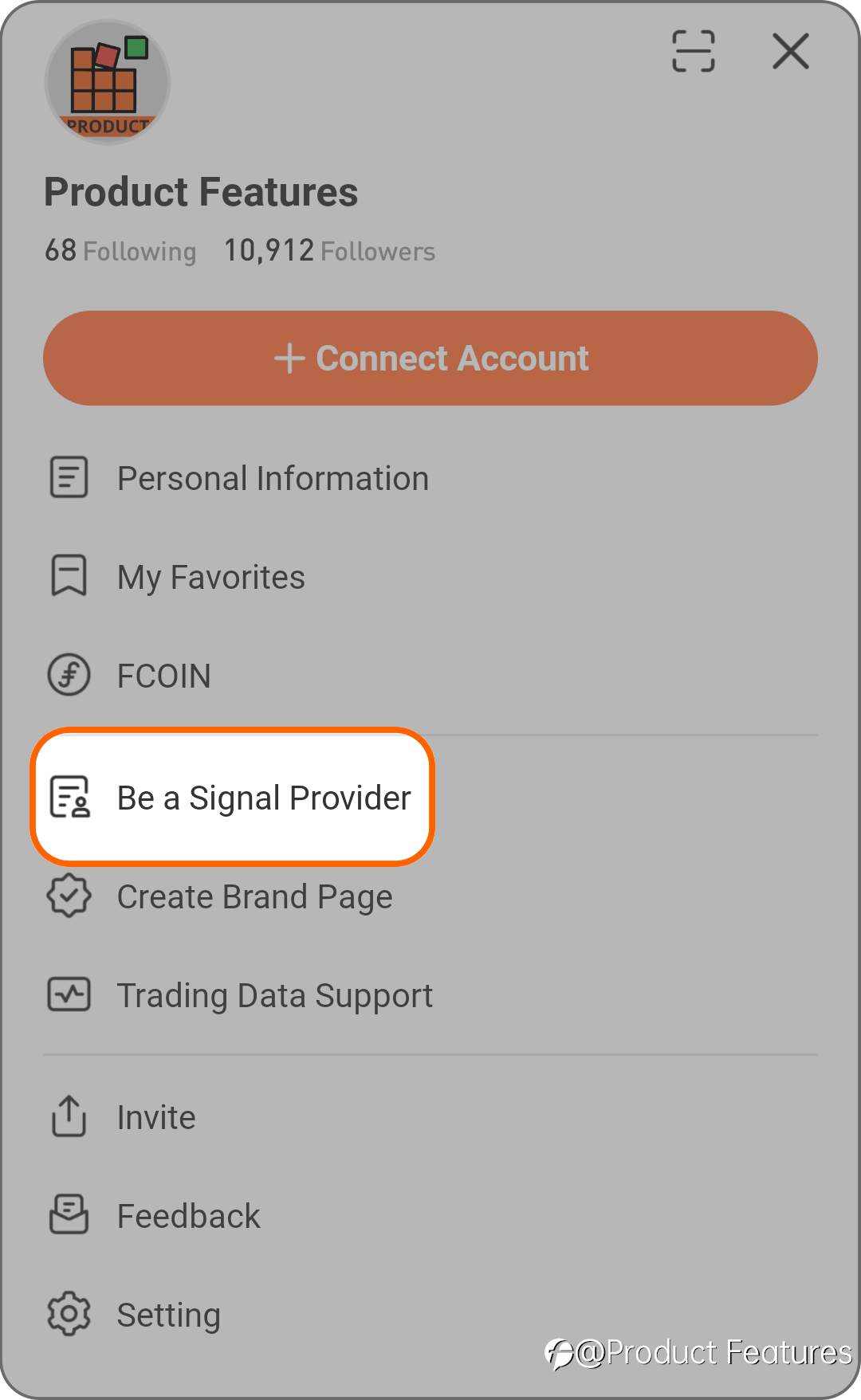
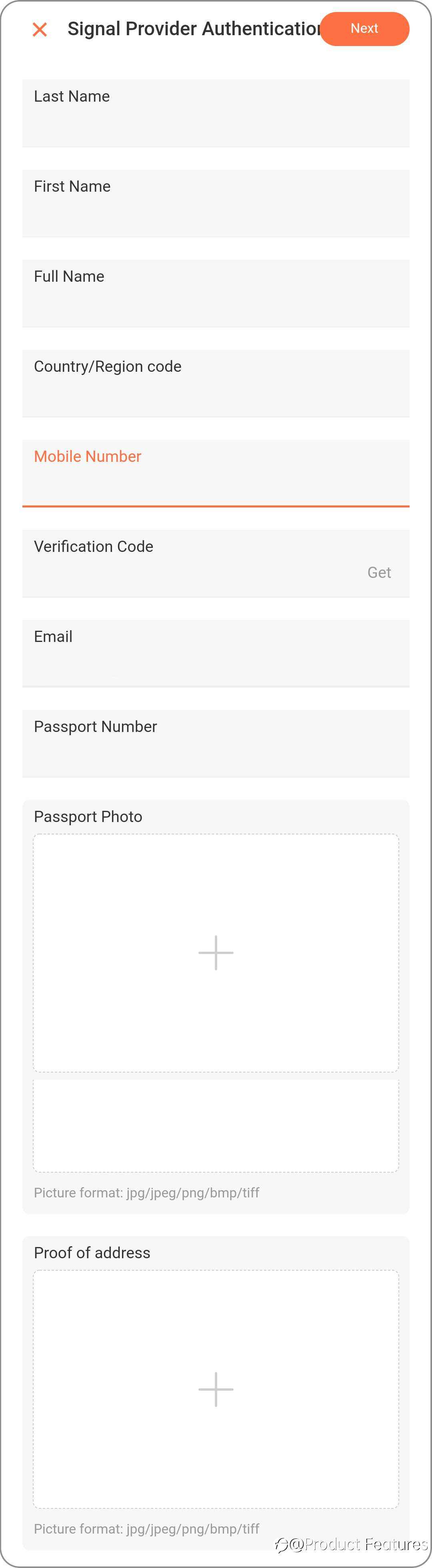
Signal providers' signals can be exposed and displayed on the “Signal” page.
-
Signal providers on the signal list can set up a subscription fee.
-
These rights do not include the signal providers of unlicensed brokers.
Connect an existing account
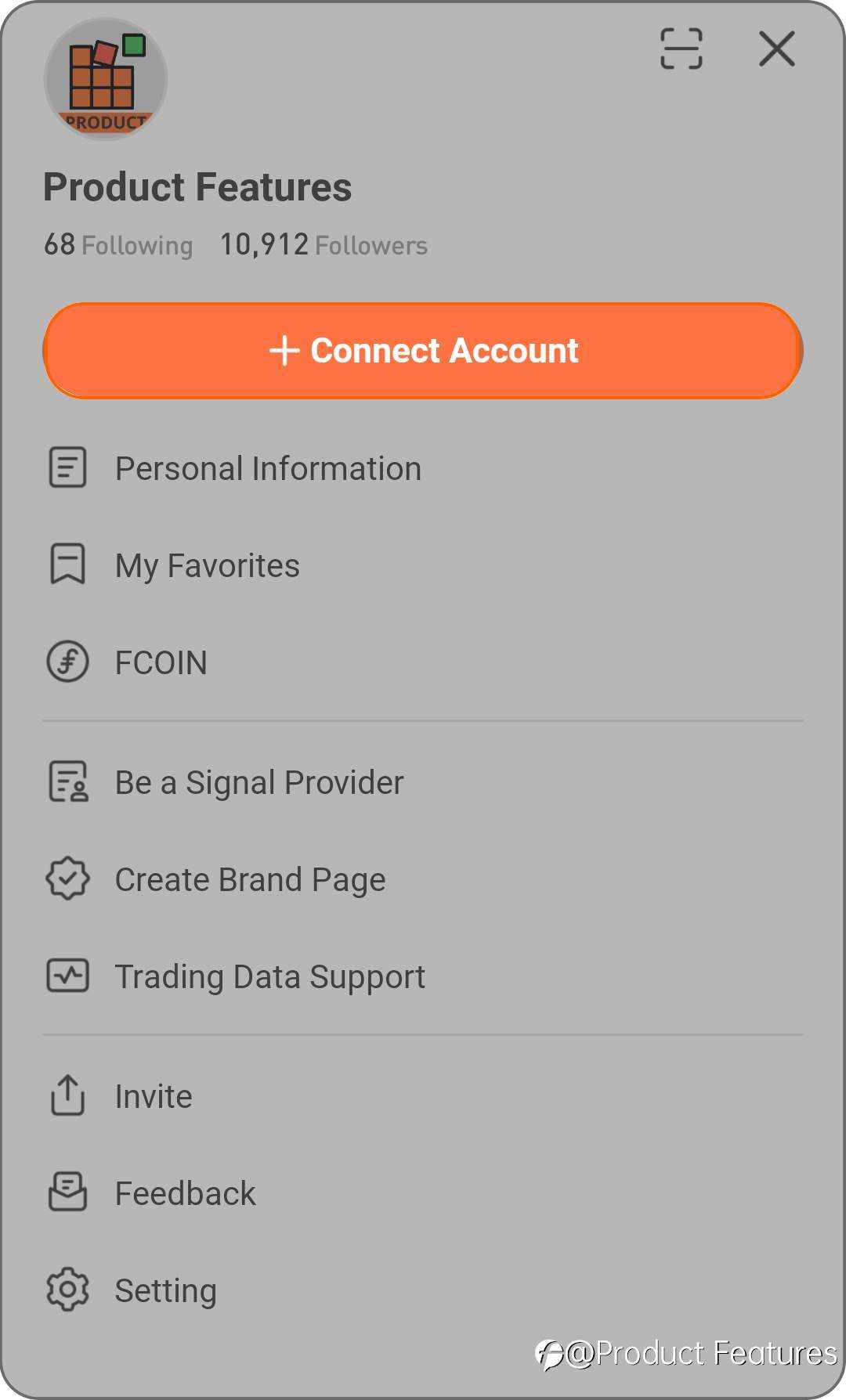
- Click on “Existing Account”.
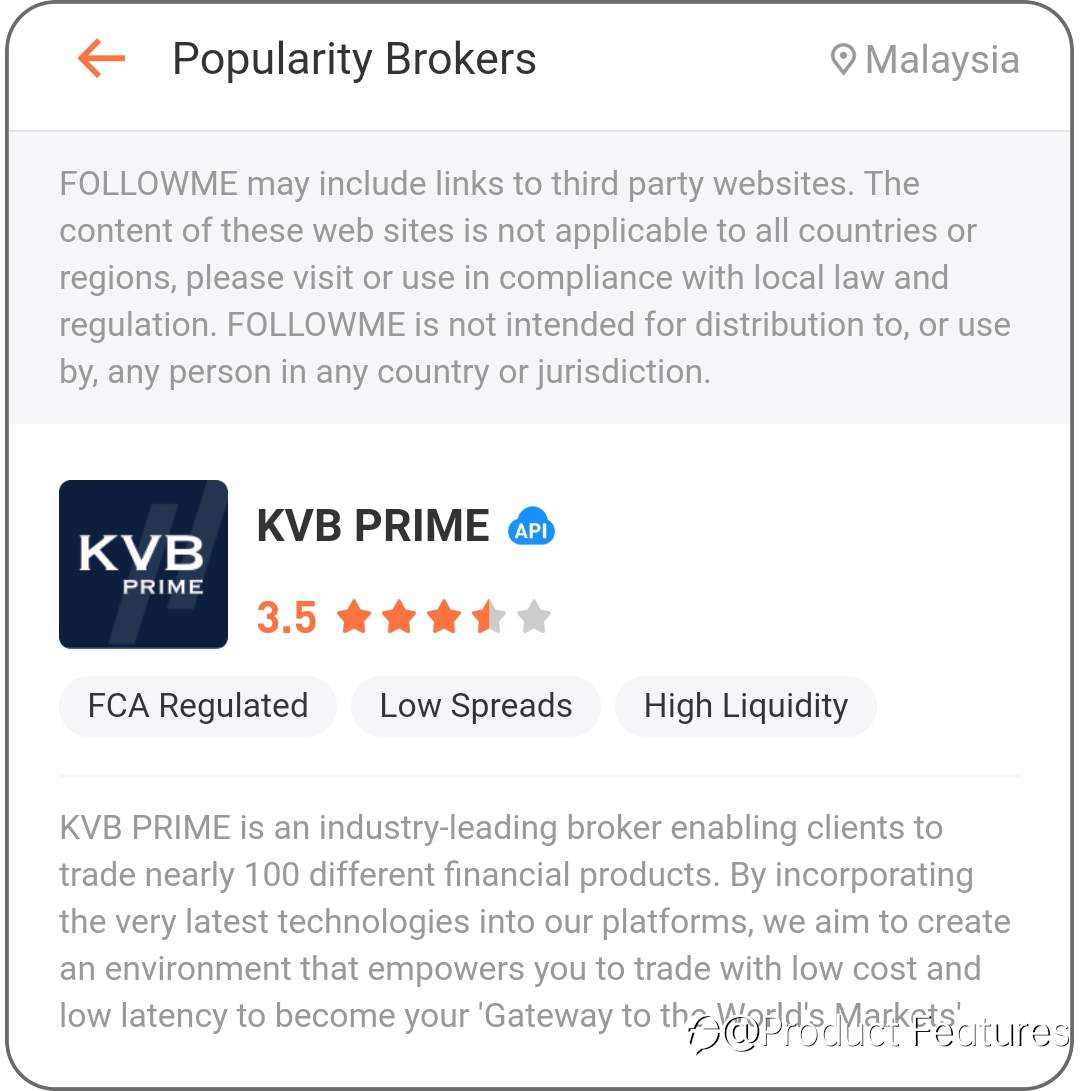
- Searching for the server of your trading account or the name of the broker, once successfully matched, choose the appropriate server.
- Type in your MT4 account and password to connect.
- It takes around 1 to 5 minutes for the accounts to be connected. You will receive a notification once the connection is accomplished, and you can leave the page after submitting.
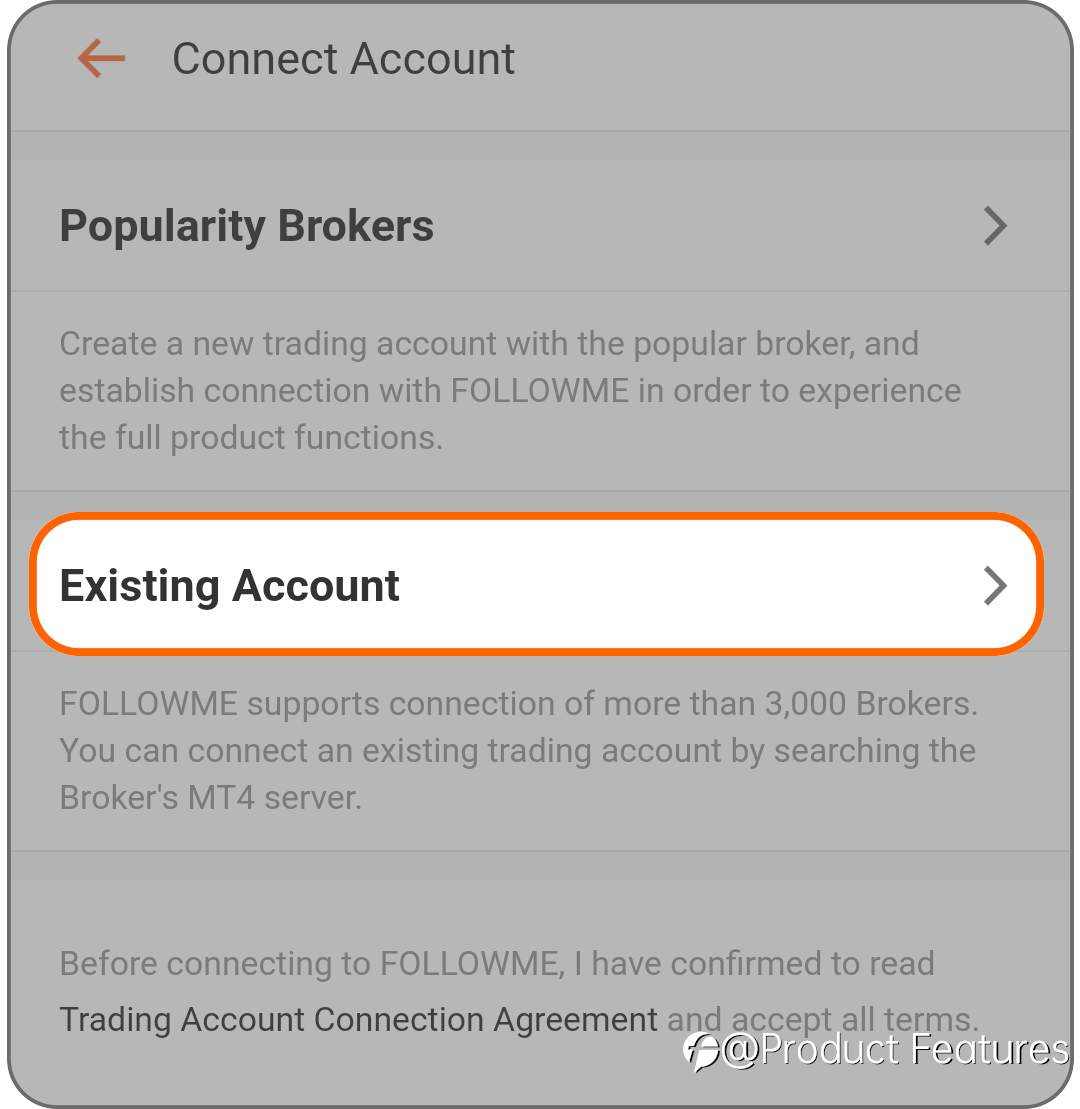
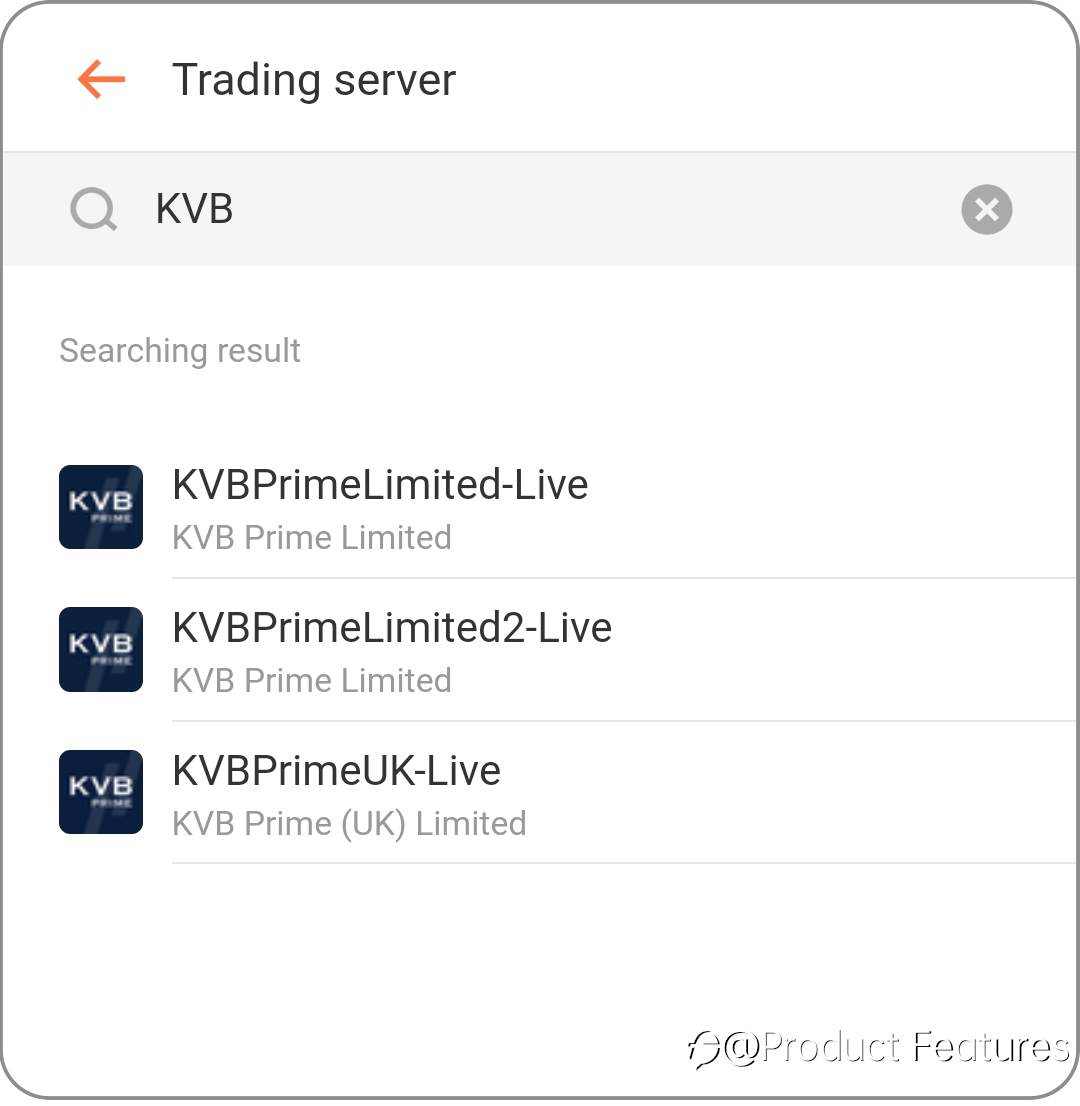
Account Management on App
You can easily manage your trading accounts on the 5th tab, account performance, subscription, general setting, and orders all show here. 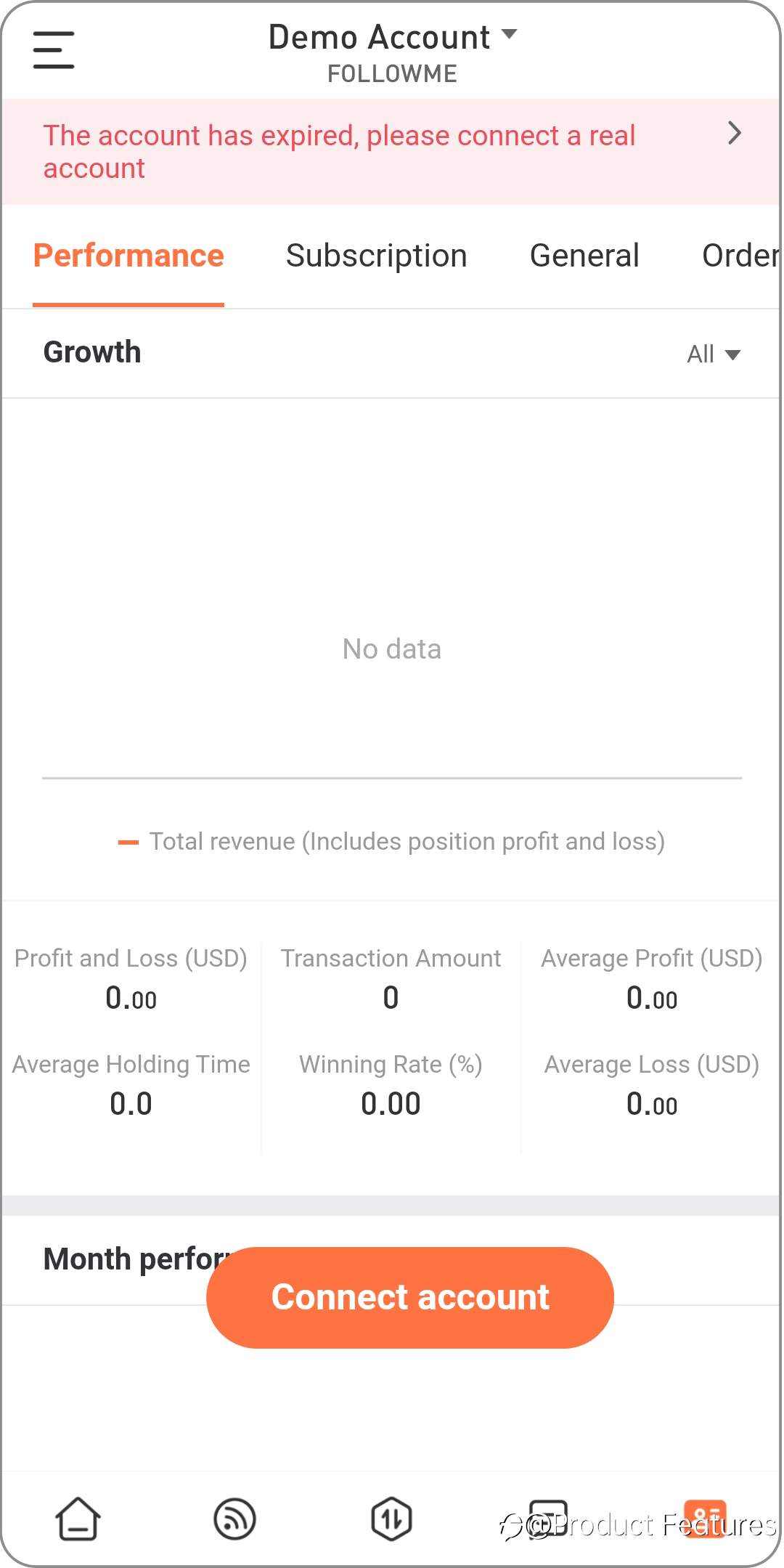
Payment by Credit Card is Accepted for Android User
Subscription Fee:
· Signal providers can get 80% of the subscription fee paid from subscribers.
Withdrawal Rules
- The minimum withdrawal is USD 10.00, which is expected to arrive within 5 working days.
Handling Fee:
based on the local bank rate and payment options, the information below is for reference.
- Bank account: The bank transfer may require a handling fee of USD 33.
- Withdraw to Paypal account: Paypal channel fee for each transaction: 4.4% + USD 0.30.
What’s FCOIN?
Click here to find out more about it!
Other
Quickly Open and Close Positions
Quick open and close positions and minimum copy trade open lots settings.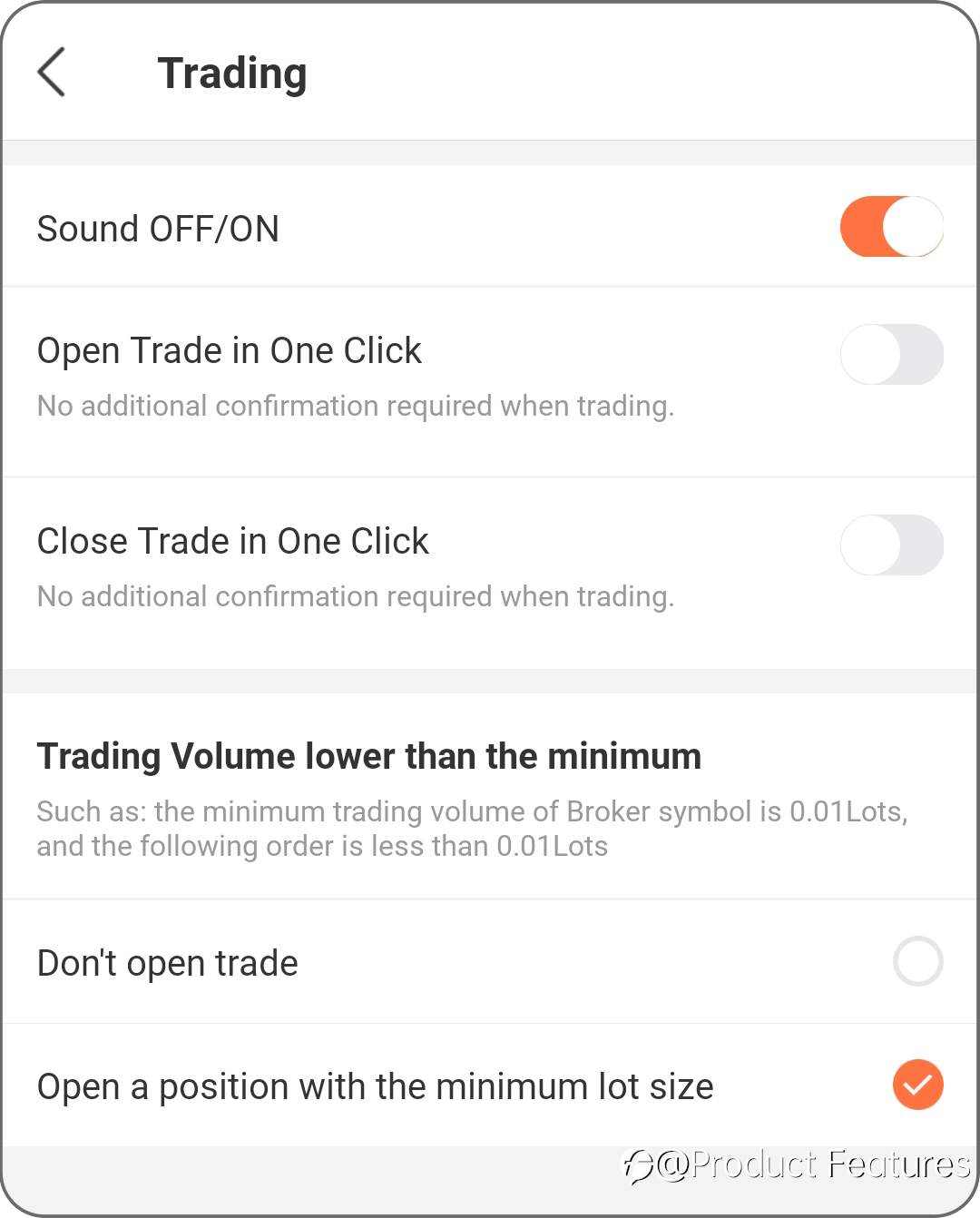
Signal Page
Users can check the signal provider’s profit on the signal page.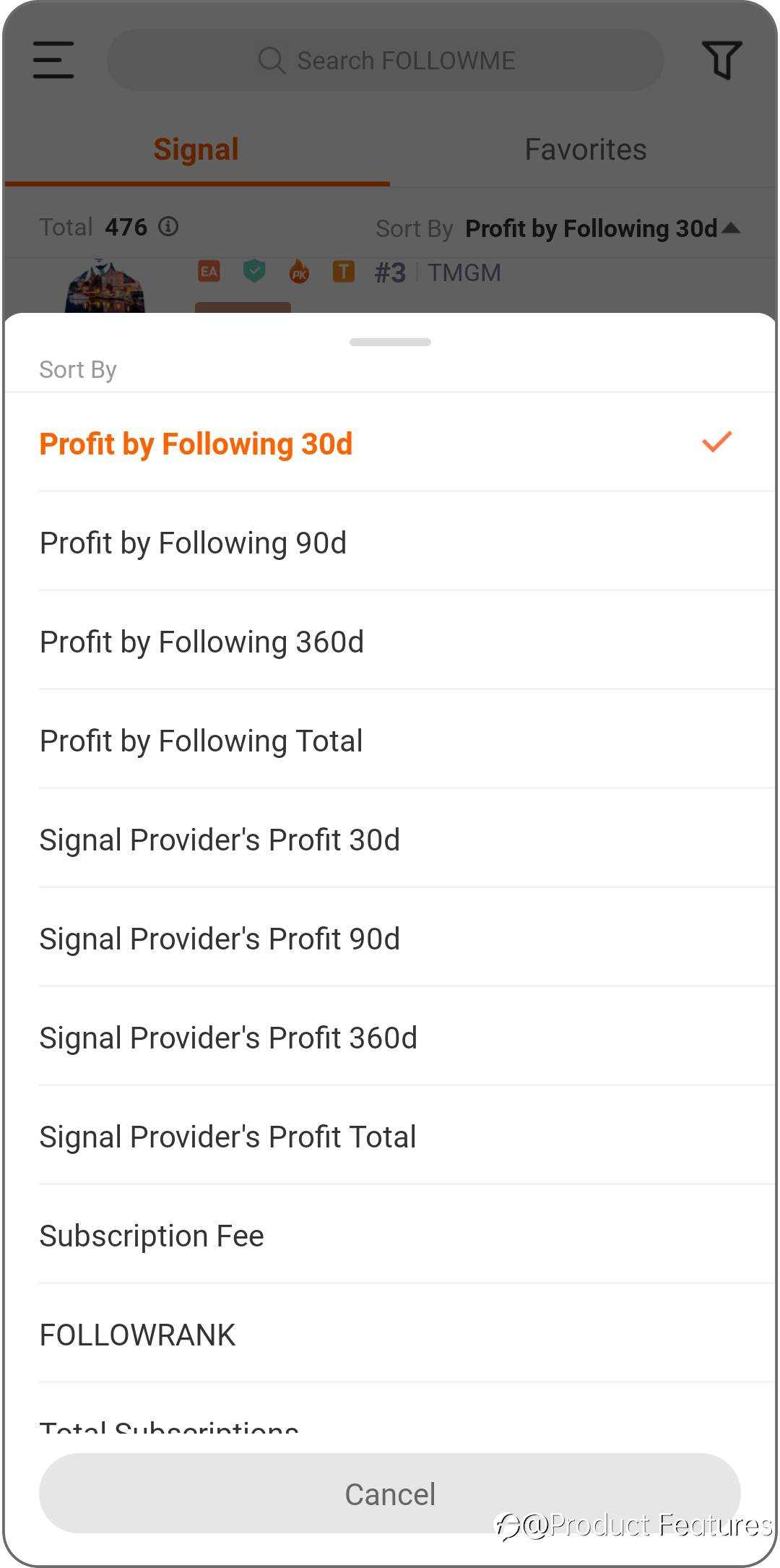
Ready to sign up and become a signal provider? Click here!
免責事項:本記事で述べられている見解は著者の見解のみであり、Followmeの公式見解を反映するものではありません。Followmeは、提供された情報の正確性、完全性、信頼性について一切責任を負いません。また、書面で明示的に記載されている場合を除き、本記事の内容に基づいて行われたいかなる行動についても責任を負いません。

-終わり-